

kcorcoran
New Member
Newbie color management questions.
Pretty happy with how my 310 repairs have turned out and I'm starting to print.
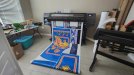
In order to gang everything up with overlaps I've brought all my art into illustrator, CMYK color mode.
In that file I have some vector art created in illustrator and some imported CMYK) tif raster files from Photoshop .
Both the vector and raster art are using the same PMS colors but when I print there is a slight difference in color between the two.
(Top is raster, bottom is vector)

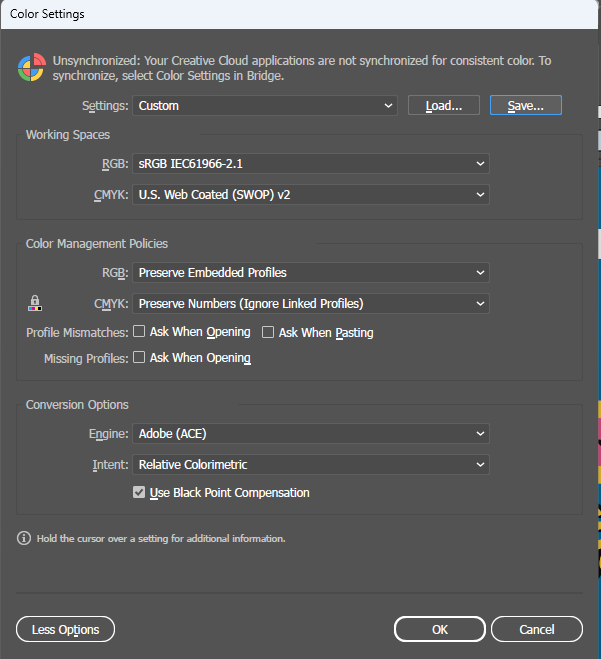
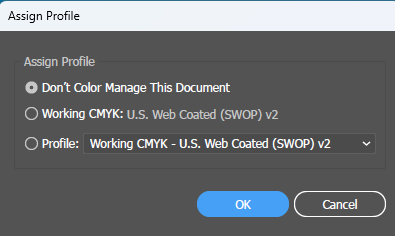
My illustrator color profile settings look like this (default).
I'm using Flexi HP Basic with the default color management settings and correct profile for my media.
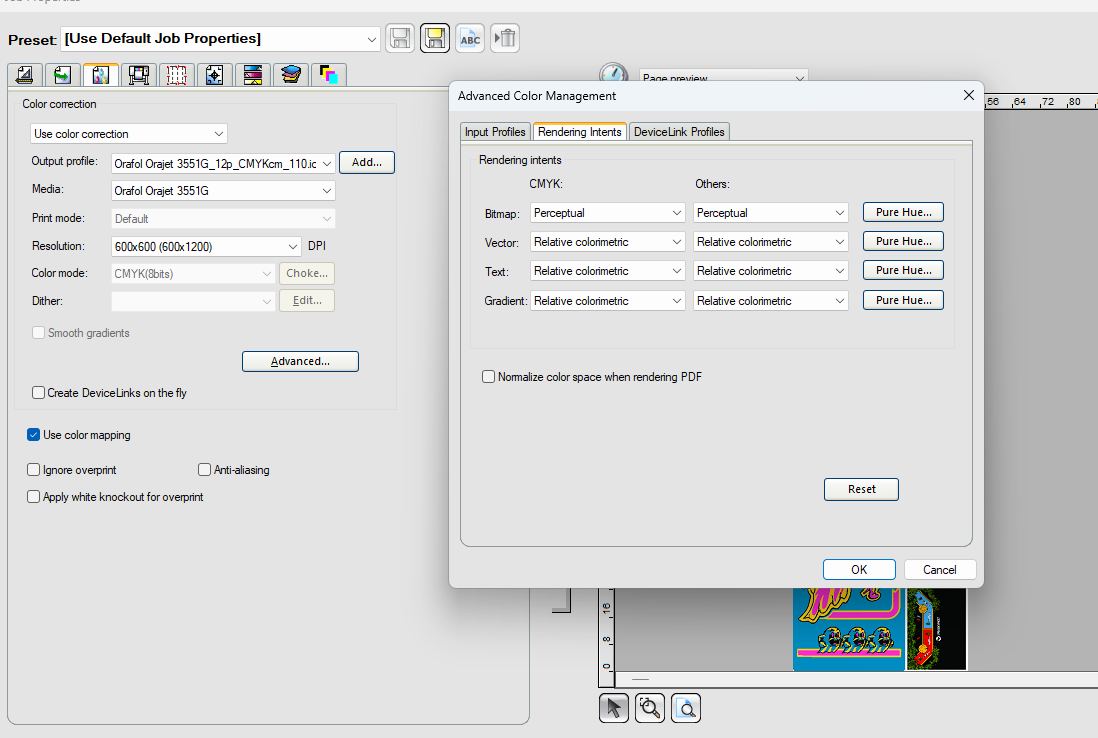
I just noticed this setting in advanced color management tab on Rendering intent where Bitmap is set to Perceptual and Vector is set to Relative Colormetric. Perhaps this is causing the difference?
- Does anyone have any advice on how I should approach doing this to ensure better consistency?
- Do raster files need different RIP settings (assume so since they seem to be set differently in my screenshot)?
- Should I avoid mixing raster and vector images in the same file and convert everything to raster for print as part of the file prep?
- Where can I learn more about color management and workflow specific to this printer and Flexi?
Meanwhile, I really need to get my take up reel installed.

Pretty happy with how my 310 repairs have turned out and I'm starting to print.
In order to gang everything up with overlaps I've brought all my art into illustrator, CMYK color mode.
In that file I have some vector art created in illustrator and some imported CMYK) tif raster files from Photoshop .
Both the vector and raster art are using the same PMS colors but when I print there is a slight difference in color between the two.
(Top is raster, bottom is vector)
My illustrator color profile settings look like this (default).
I'm using Flexi HP Basic with the default color management settings and correct profile for my media.
I just noticed this setting in advanced color management tab on Rendering intent where Bitmap is set to Perceptual and Vector is set to Relative Colormetric. Perhaps this is causing the difference?
- Does anyone have any advice on how I should approach doing this to ensure better consistency?
- Do raster files need different RIP settings (assume so since they seem to be set differently in my screenshot)?
- Should I avoid mixing raster and vector images in the same file and convert everything to raster for print as part of the file prep?
- Where can I learn more about color management and workflow specific to this printer and Flexi?
Meanwhile, I really need to get my take up reel installed.