• I want to thank all the members that have upgraded your accounts. I truly appreciate your support of the site monetarily. Supporting the site keeps this site up and running as a lot of work daily goes on behind the scenes. Click to Support Signs101 ...

Green Is The New Grey or Gray

JamesLam

New Member
I output a black and white canvas print the other day and the lighter areas came out with a greenish tinge.

So I went into Ps and converted the image to grayscale and from my perspective the new output is identical to the first one.

Obviously that was not the problem. Or maybe it's not so obvious to me what the issues is.

Any insights?
 

LizKeenan

New Member
did you check that the color mode was cmyk? If it isn’t switch it. If it is, then switch it to RGB. Additionally what rip and icc or color handling are you using?

You can also try checking colors with the color checker in acrobat print production to see what values are actually in those yellow areas.
 
  • Agree
Reactions: 1 user

DarkerKat

design & such
ok, so it's not the right way to handle it... but running the print file with all ICC settings turned off will let the printer use just black ink to produce your image (since you mentioned the file is already set to b/w) this will counteract the green tint that tends to pop up from CMYK greyscale
warning - printing with just one color ink will mean less coverage on your substrate, so it's more likely to show static/fingerprints, but on canvas this should be less of an issue than on a smooth glossy vinyl.
 
  • Agree
Reactions: 1 user

JamesLam

New Member
Quick update...did a big clean-up, and created new profiles for our canvas media. Easy fix.

I will be replacing all of the print heads soon as well and will of course will re-calibrate.

Bottom line, I got lazy.

Thanks for the tips and insights.
 

JamesLam

New Member
did you check that the color mode was cmyk? If it isn’t switch it. If it is, then switch it to RGB. Additionally what rip and icc or color handling are you using?

You can also try checking colors with the color checker in acrobat print production to see what values are actually in those yellow areas.
FLexi
 

unclebun

Active Member
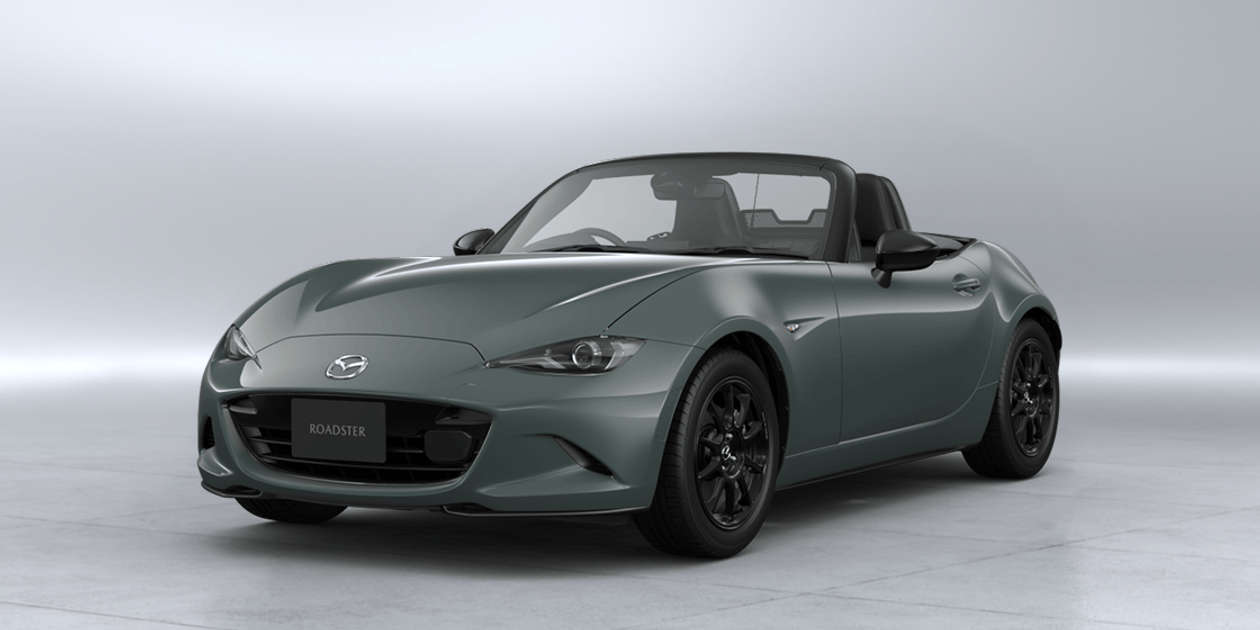
On another note, they've changed the name of gray to green. This new Mazda color is called Zinc Green
w1260_m0_q100_yichecar_409954312716739.png
 
  • Agree
Reactions: 1 user
Top